资讯
- 资讯
- 安检商家



IWILDT 4335便携式安检机英文版使用说明
2018-02-09 16:38:11 来源:
[摘要] Chapter 1 :Installation and configuration Section 1 : Hardware and operating system configuration Operating system:Window7 or higher system RAM:1G CPU:intel i
 Move the image
 Line measurement
 Angle measurement
 Rectangle measurement
 Ellipse measurement
 Text markup
 Stitching
 Polygon measurement
 Delete the selected measurement marker
 Delete all measurement marker
 Image resolution measurement
 Simulate a capture process
 Pseudo color
 Automatic contrast
 Save (for cropped images)
 Deletes the current pane image and does not physically delete it
 X-ray trigger
This option needs to be networked with the detector, which sends a tcp/ip message to the control device.
 Strength adjustment
 Pane layout
 Select mode
There are 3 selection modes
 Prints the selected pane image
 Crop the image
Click the second click to cancel the crop.
 Exposure time setting
 Arrow mark
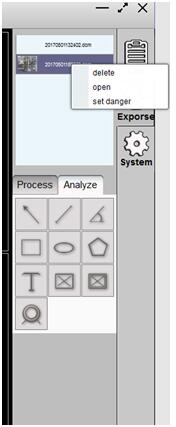
List operation
You can delete images, open images, mark and unmark suspicious objects in the list, Note that deleting the hard disk file will be deleted.

推荐产品
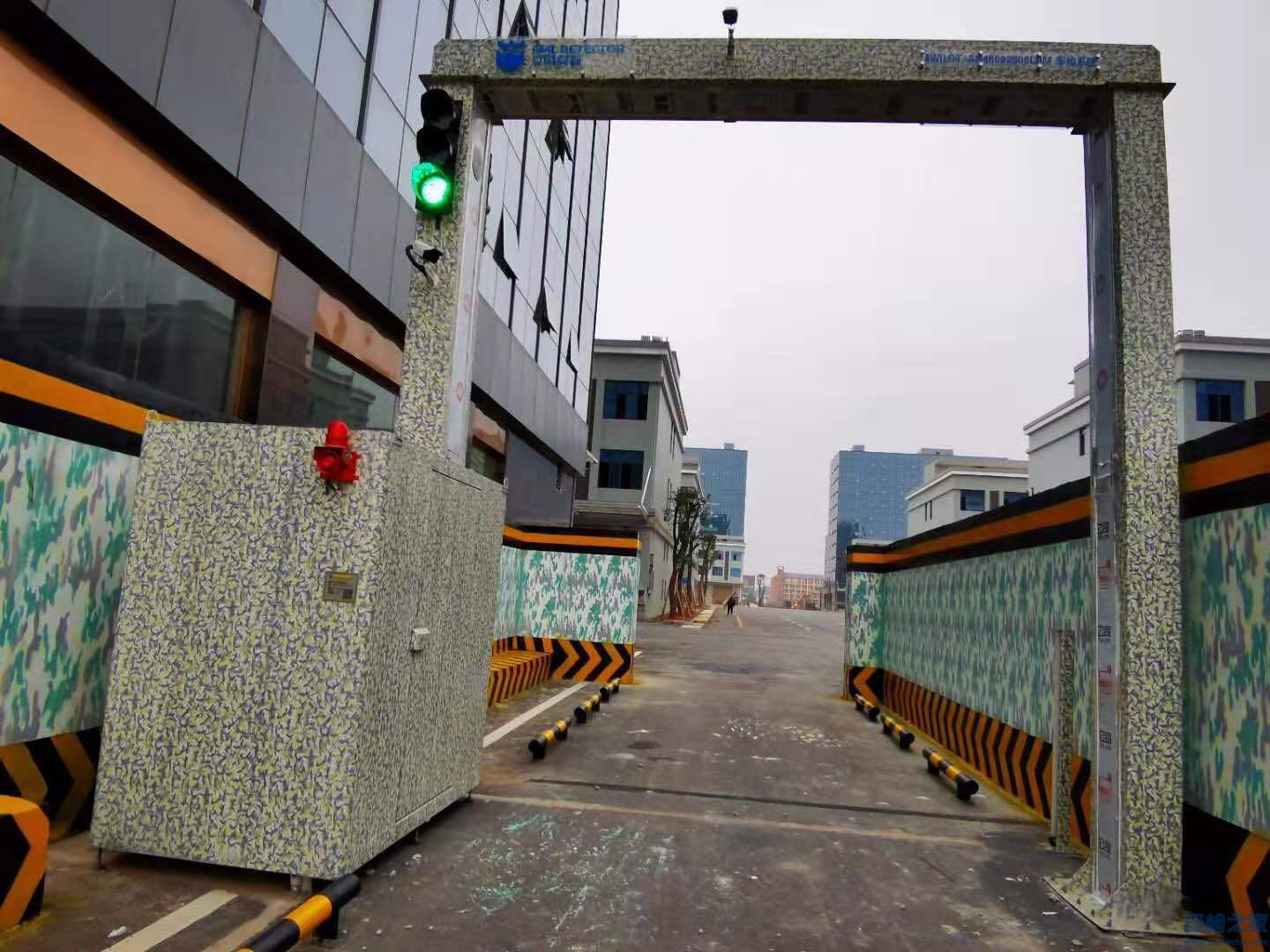 IWILDT™ AN-48002800L物流园大型货车X光安检系统
价格:¥0.00
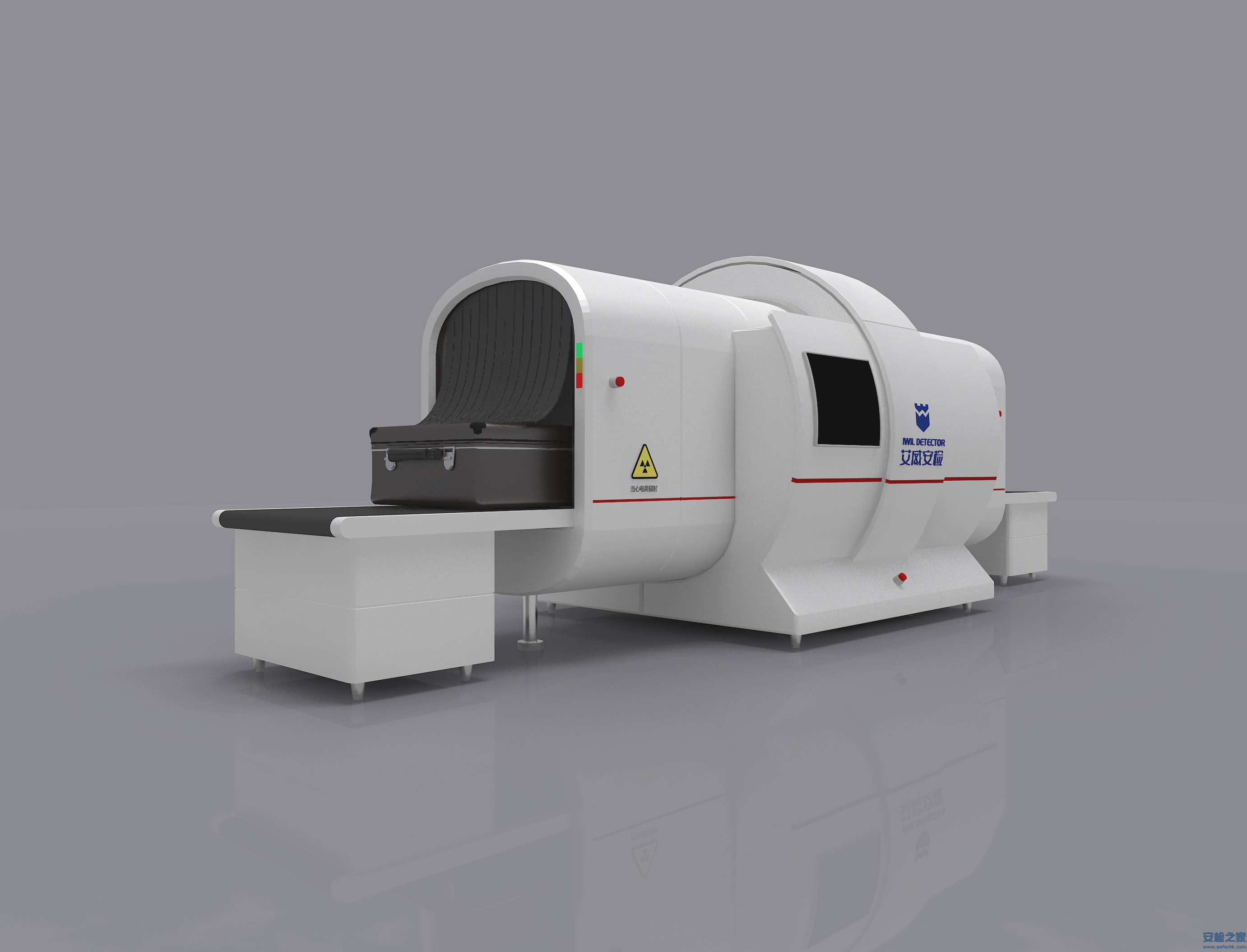 IWILDT™ AN-9000CTL静态立体断层扫描X光安检机
价格:¥0.00



CopyRight © 2005-2019安检之家安保网 Inc. All Rights Reserved