资讯
- 资讯
- 安检商家



IWILDT 4335便携式安检机英文版使用说明
2018-02-09 16:38:11 来源:
[摘要] Chapter 1 :Installation and configuration Section 1 : Hardware and operating system configuration Operating system:Window7 or higher system RAM:1G CPU:intel i
 Wired and detectors are not connected.
 Wired and detectors have connected.
 Indicates the detector temperature. There are three colors of red, green and yellow, different temperature range of different colors, green that the normal range.
 Indicates battery power. Less than 10% red warning, greater than 10%, less than% 40 in yellow, greater than 40% in green.
 Battery charge status indication.
List operation
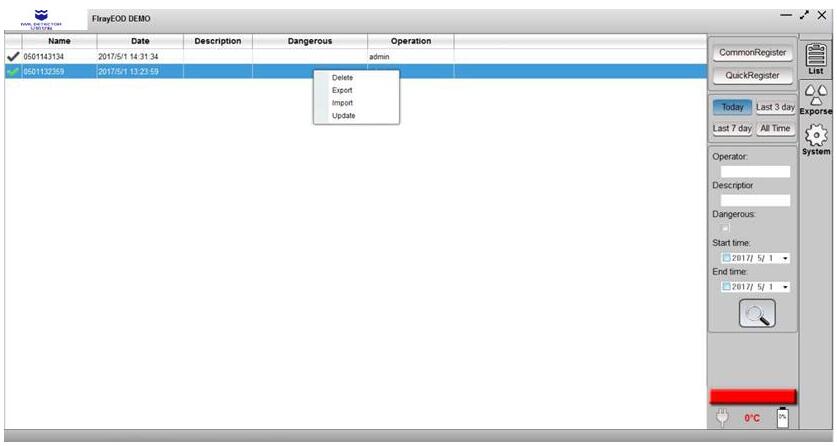
Delete
Select the Delete option and you can delete the current check, Note that the file will be deleted from the hard disk.
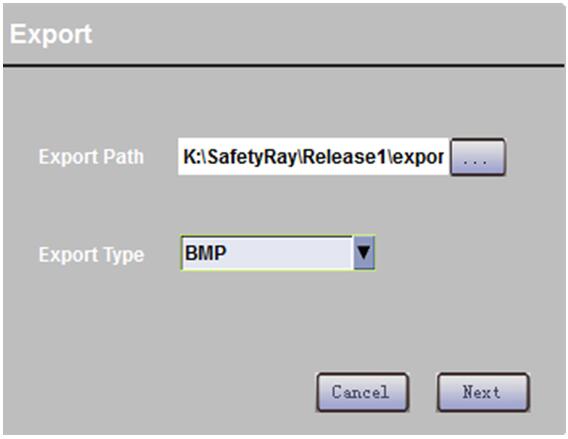
Export
Click on the export pop-up interface, select the export type and path and click Next to complete the export task, export image types are DCM, BMP, TIFF, 3 kinds of optional.
Import
Import DICOM format images from external files.
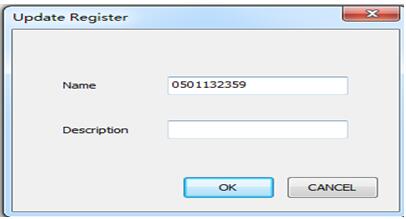
Update
Update the input file.
Double-click the current selection.
Double-click the current selection, automatically jump into the exposure interface, the selection check for exposure.
LOGO customization
The upper left corner LOGO can be customized, custom method: add a custom logo.bmp to the program directory res replace the old logo.bmp.

Title customization
Logo can be customized on the right side of the title, only need to modify the program directory config/config.ini file. Modify the item applictionNmae = **, modify SAFE to a custom title。
Section 4: Exposure screen
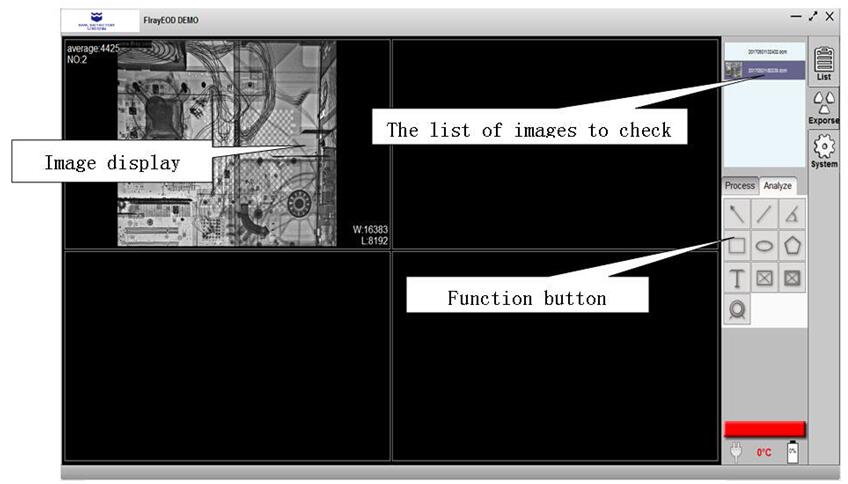
Image processing operation
Window width window center operation
You can adjust the window width and position by clicking the right mouse button in the image display area without loosening the movement. Click the button area to automatically optimize the automatic brightness and contrast。
 Anticlockwise rotation
 Clockwise rotation
 Image reversal
 Mirror up and down
 Mirror left and right
 Image reset
 Image zoom in and out
 magnifier

推荐产品
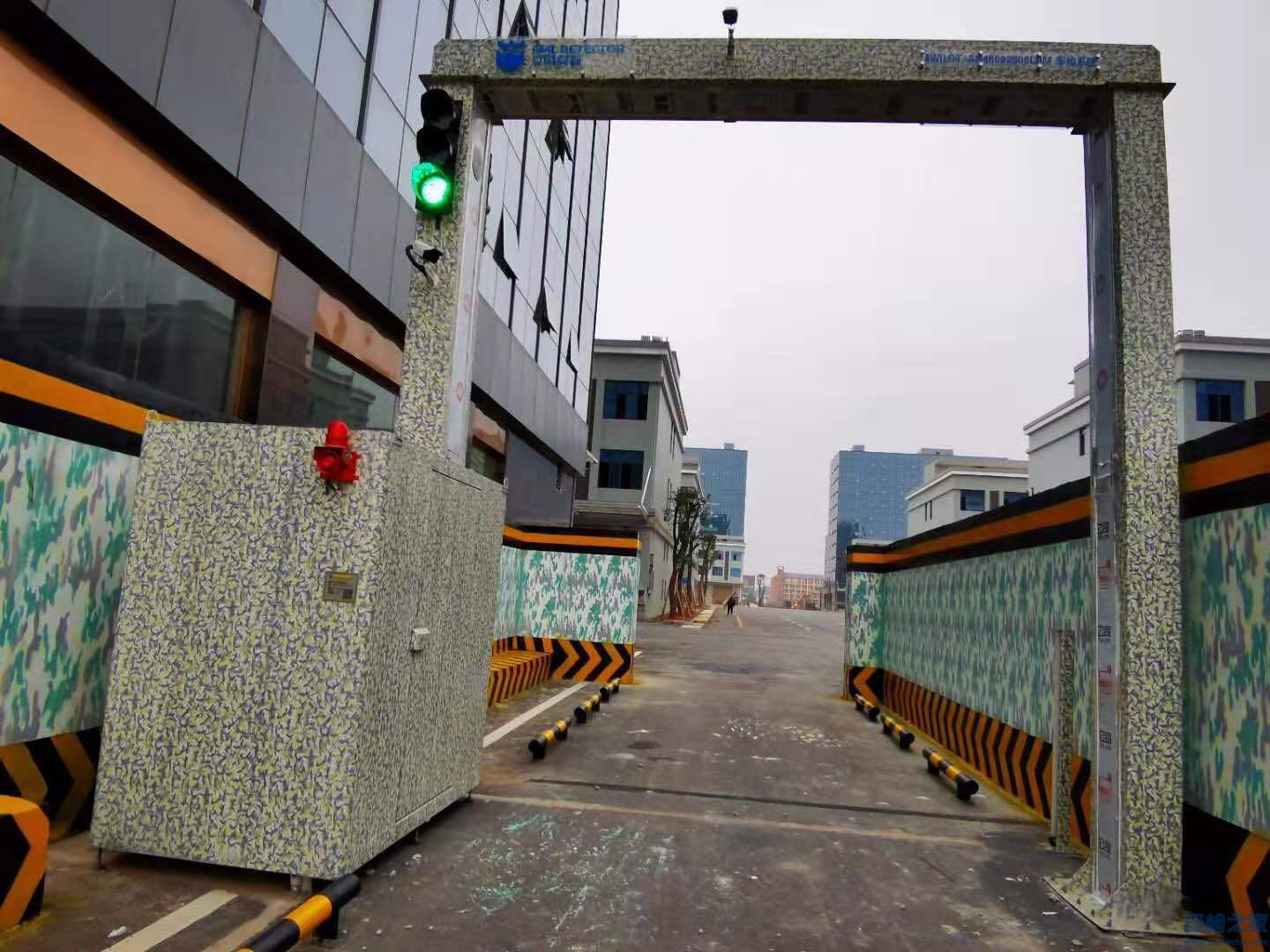 IWILDT™ AN-48002800L物流园大型货车X光安检系统
价格:¥0.00
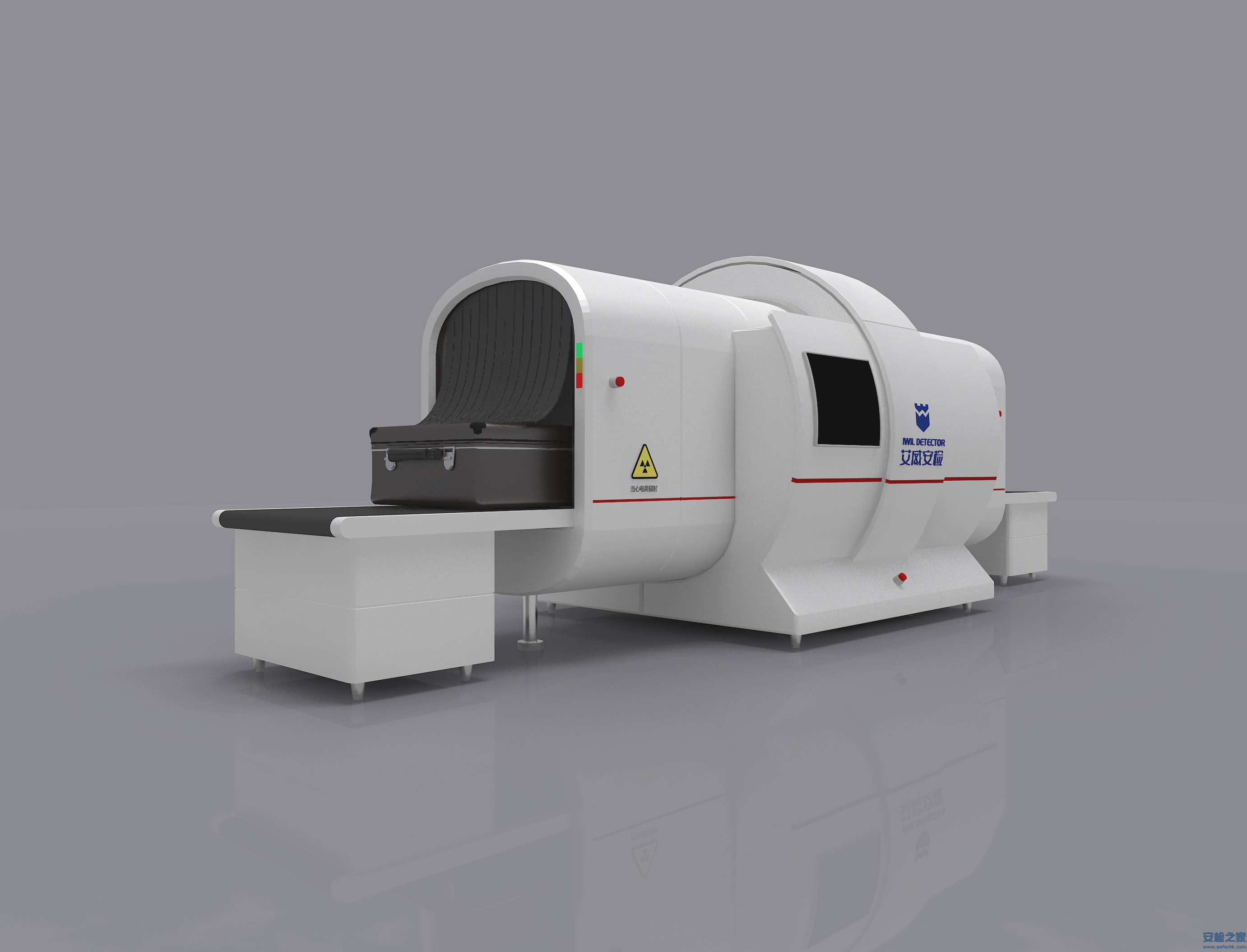 IWILDT™ AN-9000CTL静态立体断层扫描X光安检机
价格:¥0.00



CopyRight © 2005-2019安检之家安保网 Inc. All Rights Reserved